 MotoPit
Coming Soon

Product guide
Documentation
Walk through a sample dealership photo job, from identifying the vehicle to reviewing the photo set.
Start with the VIN example
See where the vehicle is identified before a shoot.
Follow the Frame In guide
Start at the front corner, match the distance, and check for the green alignment outline.
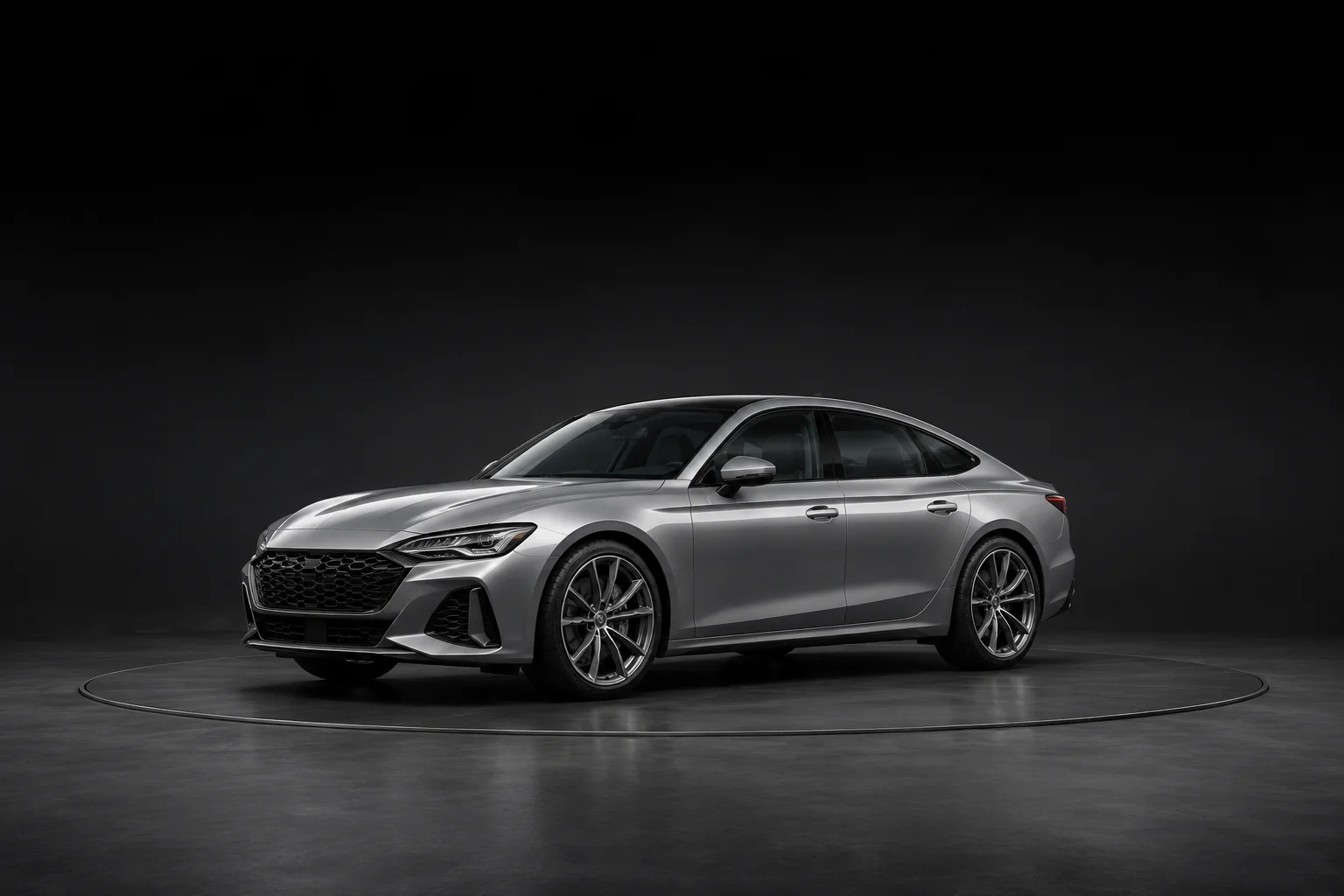
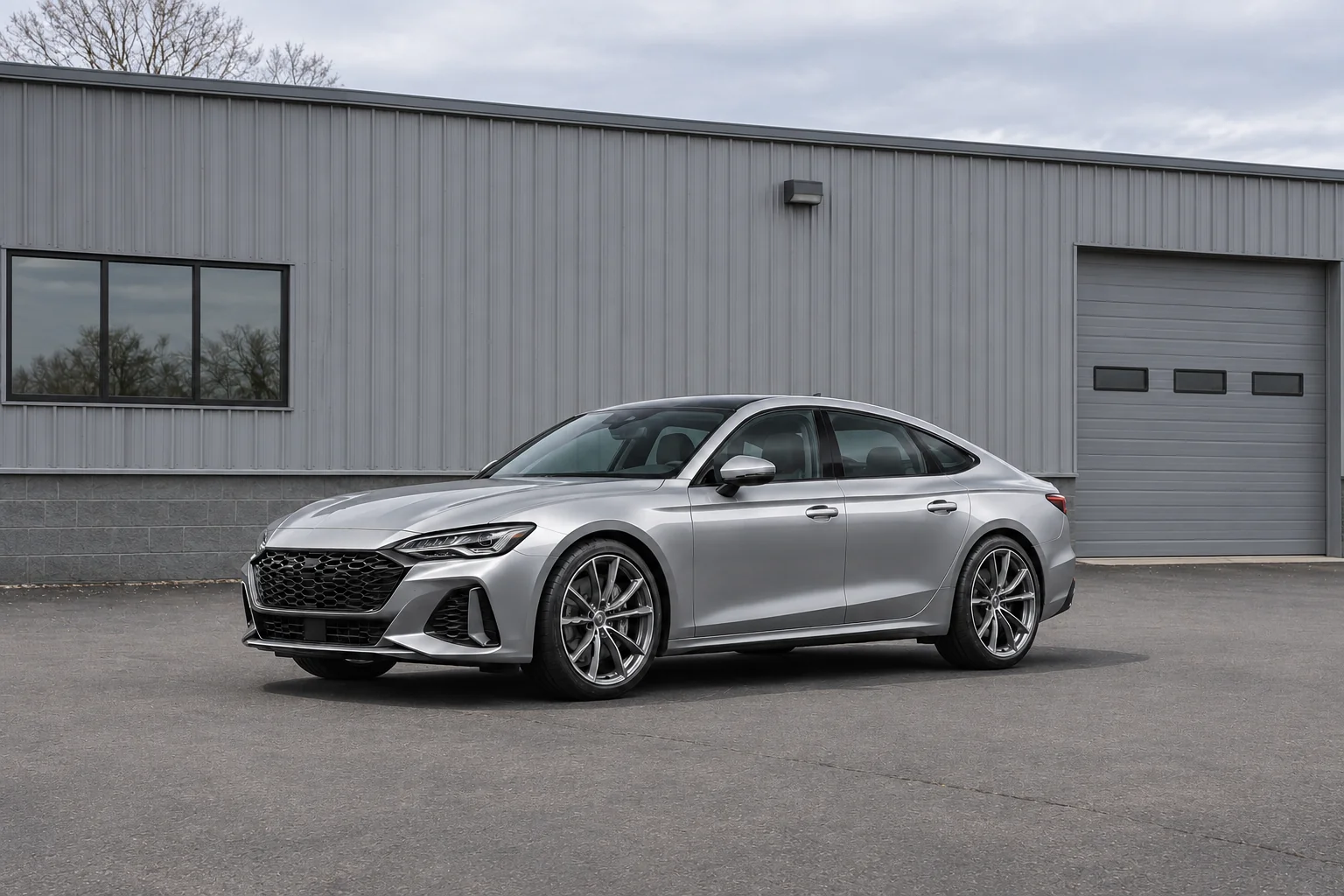
Compare the Pitglow photos
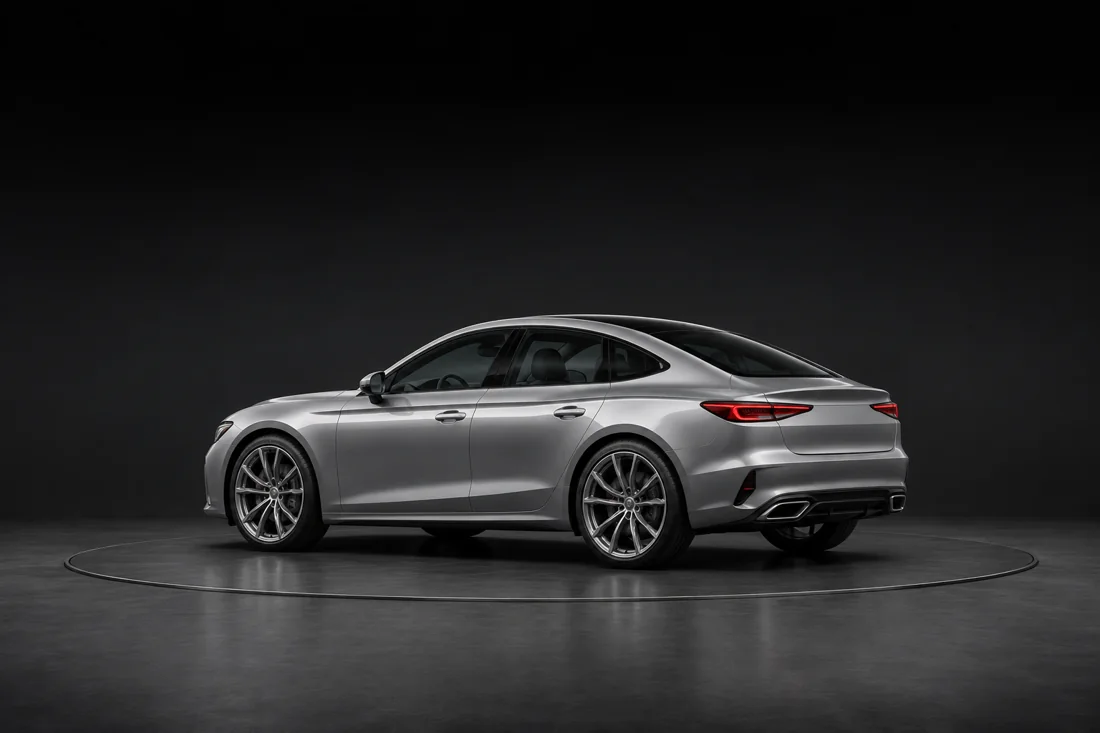
See the capture and studio versions to compare the lighting and background.
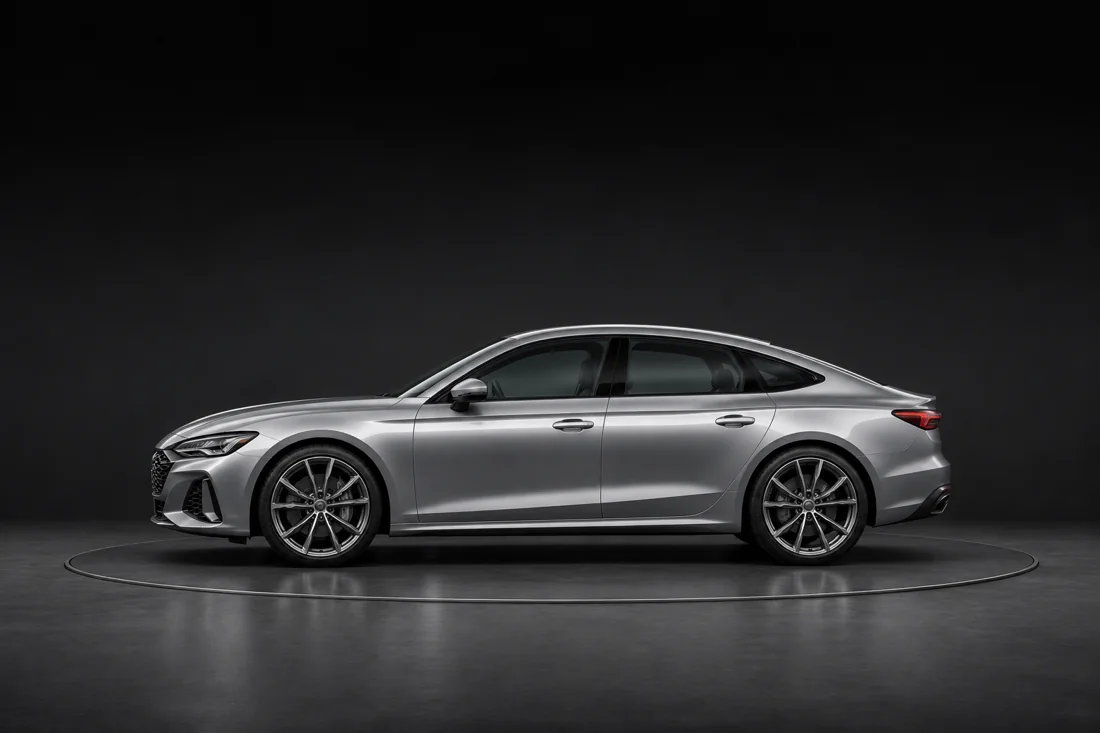
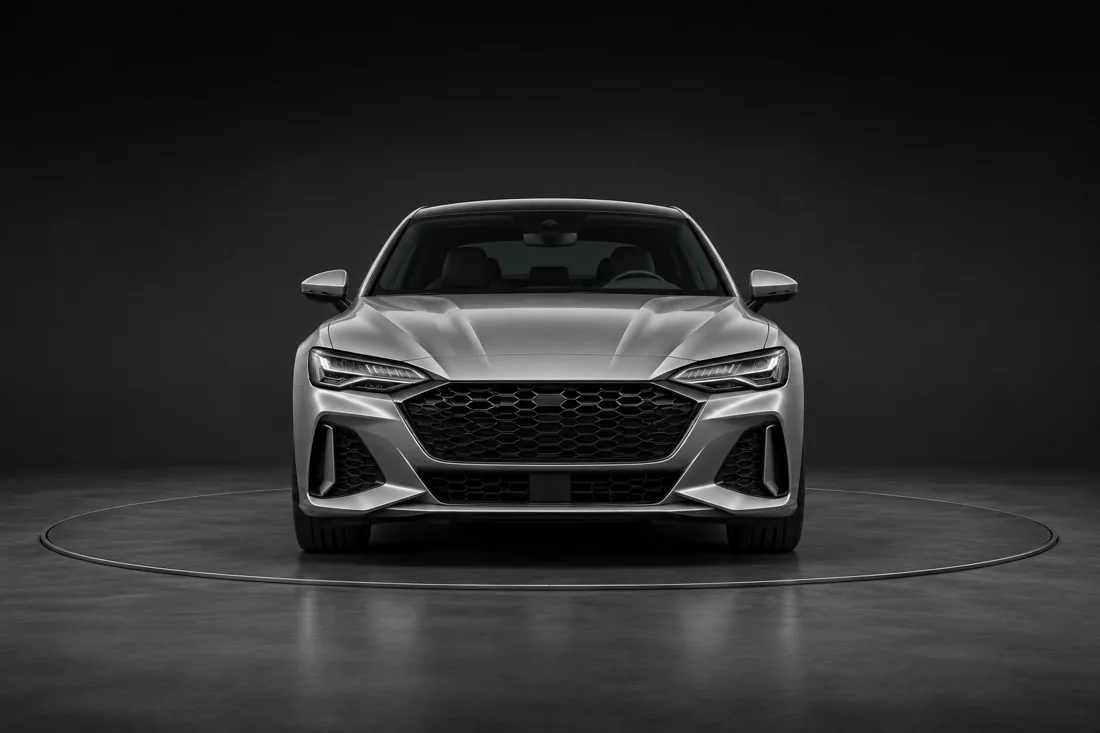
Review the sample photo set
Change the selection in the review panel and see the sample export summary update.
This preview uses a sample VIN, simulated camera guidance and export, and AI-generated example photos.